


Live Activities
Watch a bot work from the Lock Screen and Dynamic Island, then jump back in when it's done.
 Hermes Messages
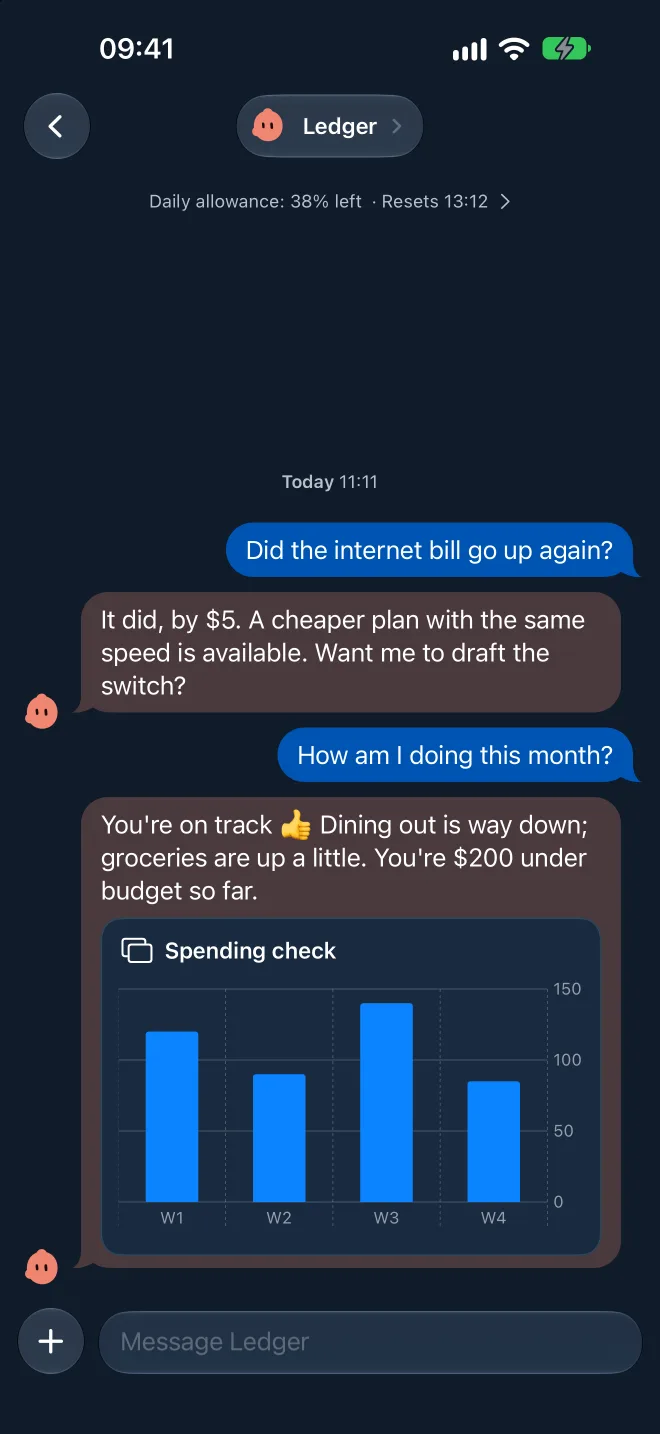
Chat with your Hermes bots in a familiar Messages-style app. Keep one-to-one and group conversations together, with rich replies and updates from your bots.
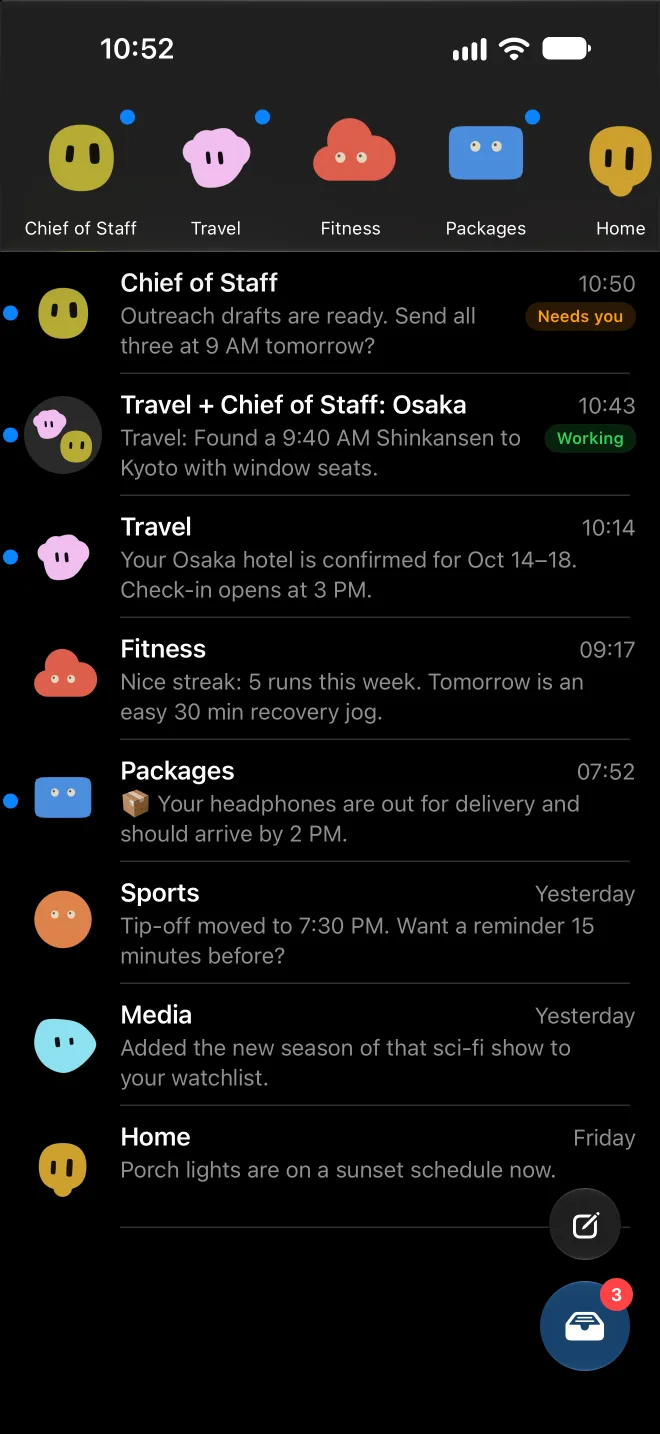
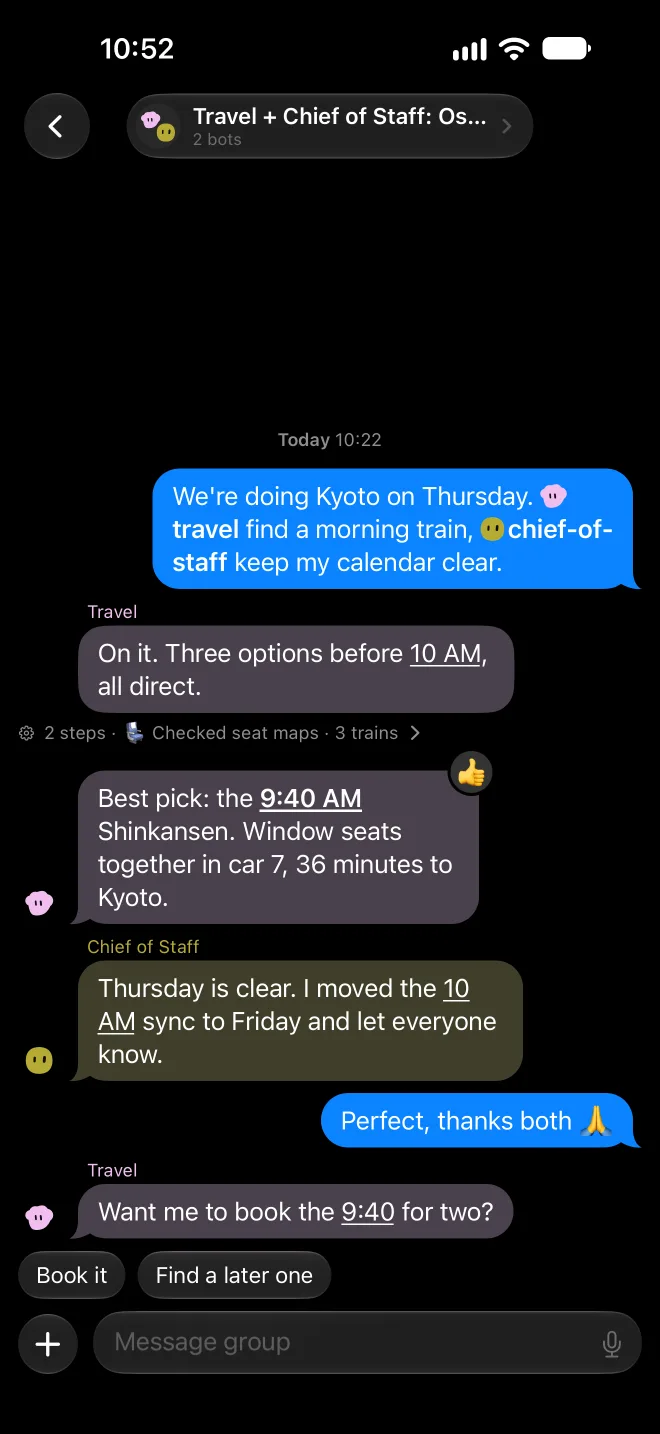
Bring several bots into one conversation, direct a request with an @mention, and tell each reply apart at a glance. One-to-one chats stay alongside your groups.
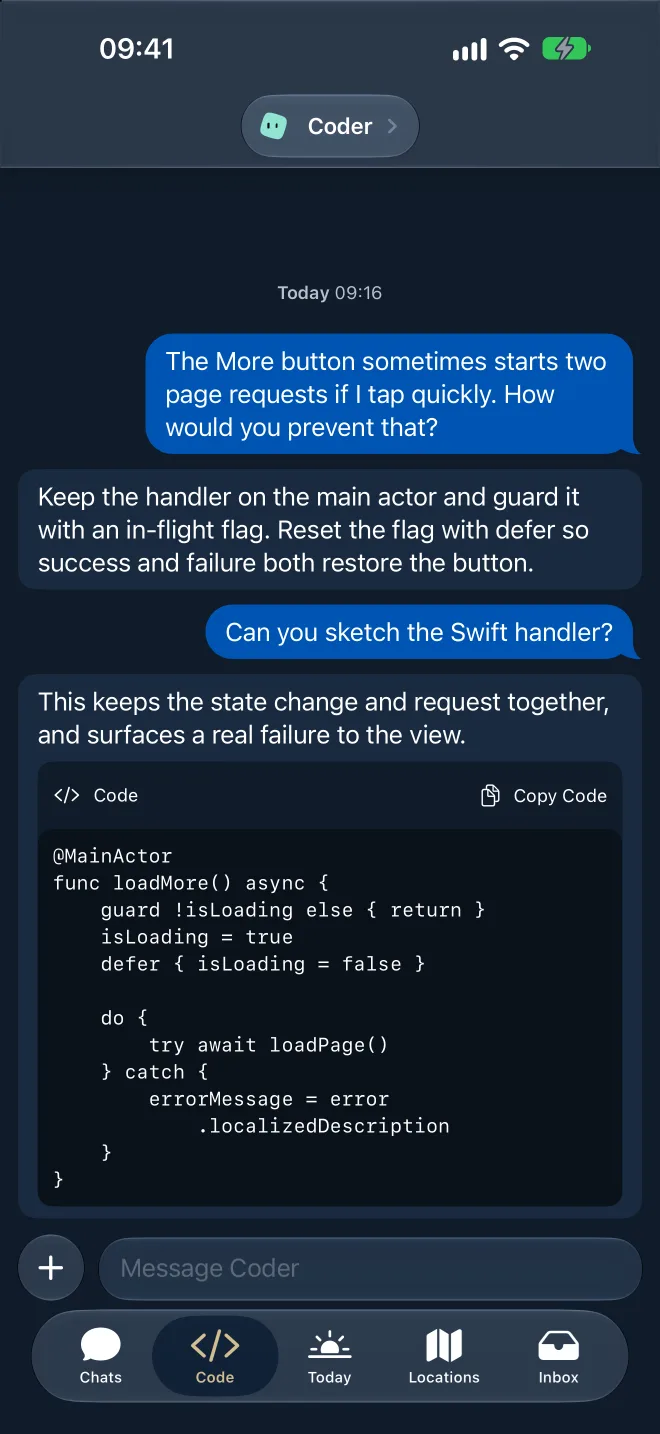
Keep a coding conversation in its own tab, separate from everyday chats.
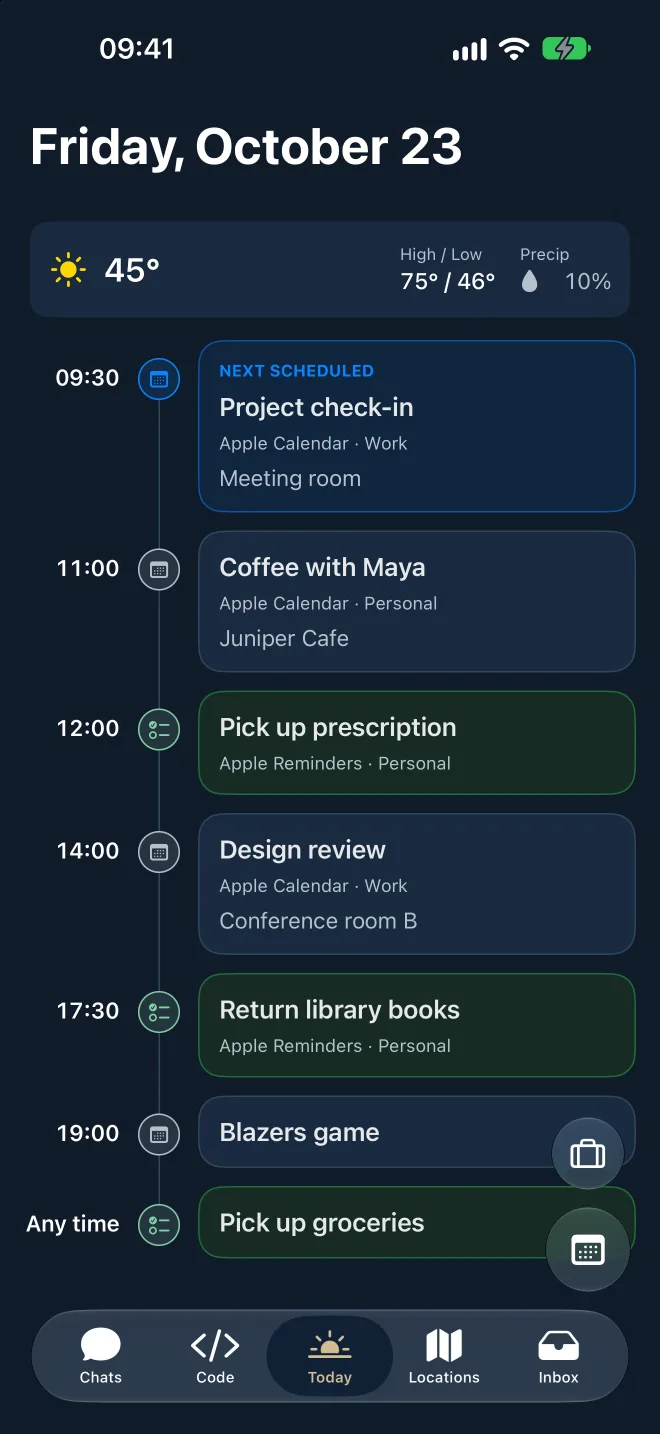
Bring Trips plans together with events and reminders from Apple Calendar and Reminders on this iPhone, alongside a local weather forecast.
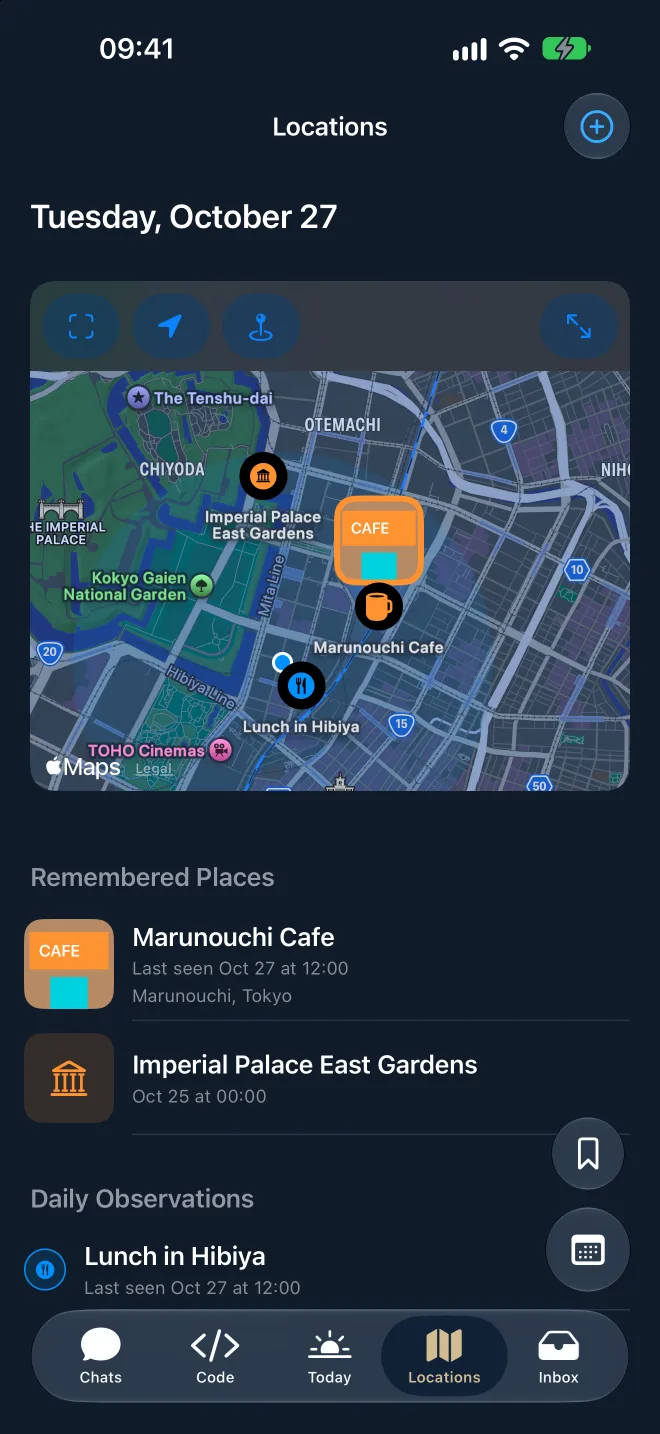
Allow Always location access to record visits, then review them alongside saved places on a map. Location History syncs with your signed-in server.
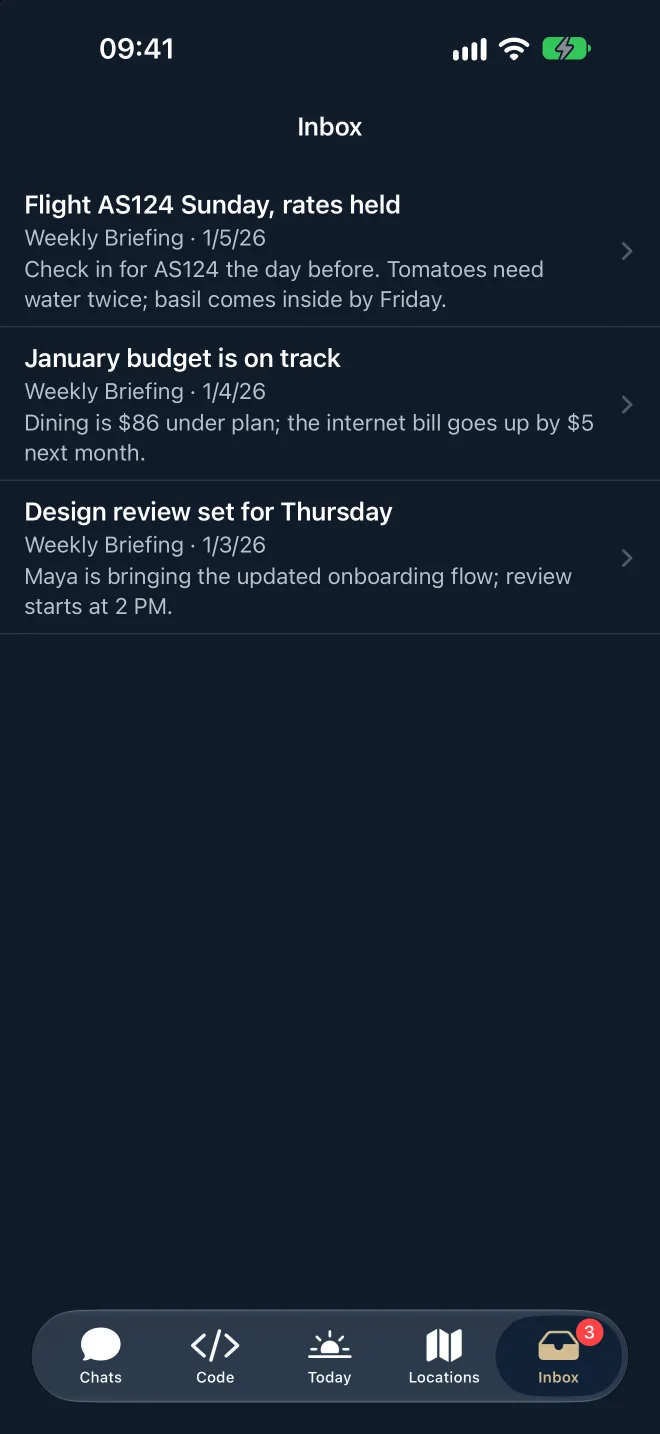
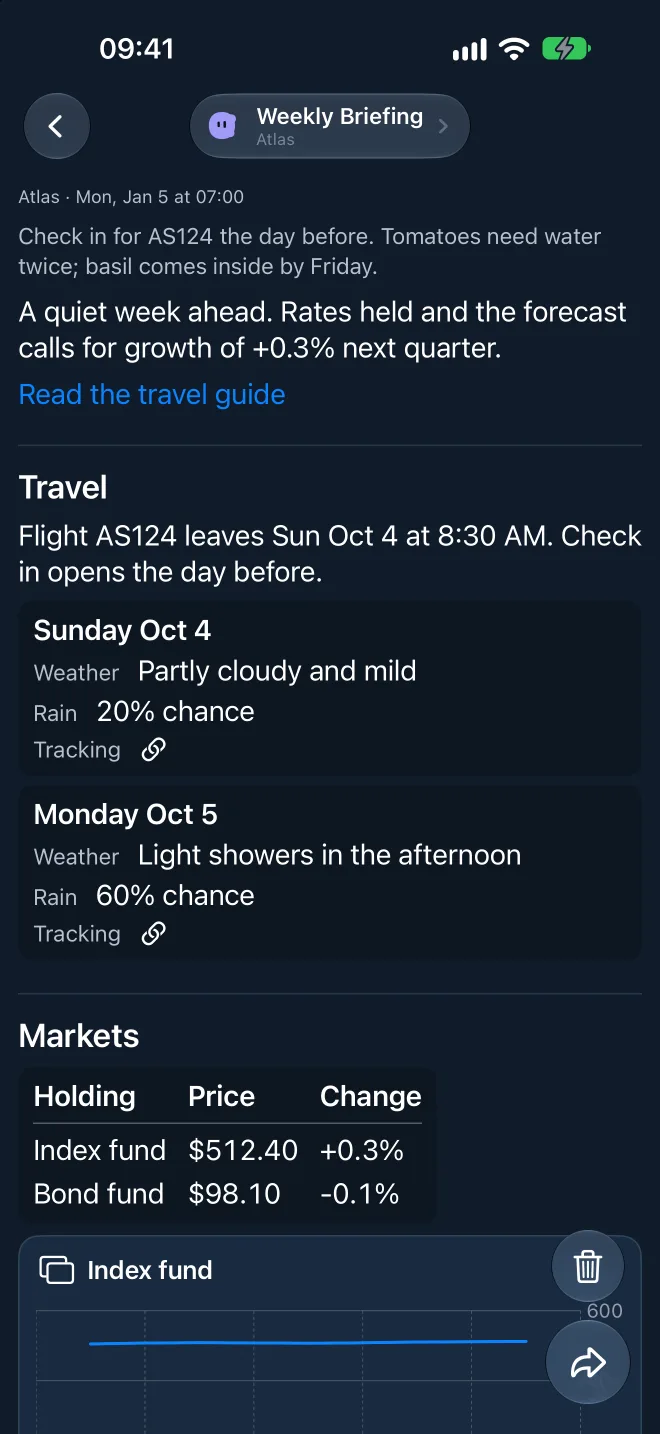
Read briefings published by your bots in a dedicated place, apart from the conversation stream.
Watch a bot work from the Lock Screen and Dynamic Island, then jump back in when it's done.
Notification previews are encrypted for your iPhone, and you can reply to bot messages from the banner.
Ask a bot for a daily digest or weekly wrap-up, then read it when it arrives.
Type / to see every command and skill a bot has, then run one in a tap.
Keep bot and group chats you use most near the top of your list.
Open a bot from Spotlight or ask one a question with Siri.
Take a photo, scan a document or attach a file to a chat.
Ask a bot about an image from Visual Intelligence.
Send a link, photo or file to a bot or group from the iPhone share sheet.
Bots can offer to run an iPhone Shortcut, with permission you control.
Read cached chats offline. If a message can't send, you choose whether to retry.
Lock chats when you return after time away, and protect the Vault with Face ID or your passcode.
React to or quote a message, or stop a bot's reply while it's still working.
Hermes Messages, on iPhone.